AI Video Editor
LaunchReel includes a full short-form video editor that runs in the browser. Auto-generate word-level captions, add an AI voiceover, trim and reorder clips, mix music under dialogue and drop in transitions — then export for TikTok, Reels and Shorts. Works on videos you generate here or ones you upload.
- First video free — no credit card
- 5 ad variations per run
- Captions, voiceover & music included
How it works
Describe your product
One or two sentences — what it is, who it is for, the main benefit.
Get five variations
The AI writes the hooks, generates footage, adds captions, voiceover and music.
Edit and export
Tune the cut in the browser editor, then export for TikTok, Reels and Shorts.
Why use LaunchReel for this
Word-level auto-captions
Transcription runs automatically and captions are editable word by word, with styling that reads on muted autoplay.
AI voiceover on the timeline
Type or paste a script and place a generated voiceover directly on the edit, ducked under the music automatically.
Real trimming and reordering
Cut clips, change their order, adjust segment speed and set transitions — not just a caption overlay on a fixed video.
Nothing to install
The editor and the export both run client-side in the browser. No desktop app, no render queue on someone else’s server for the edit step.
Example output
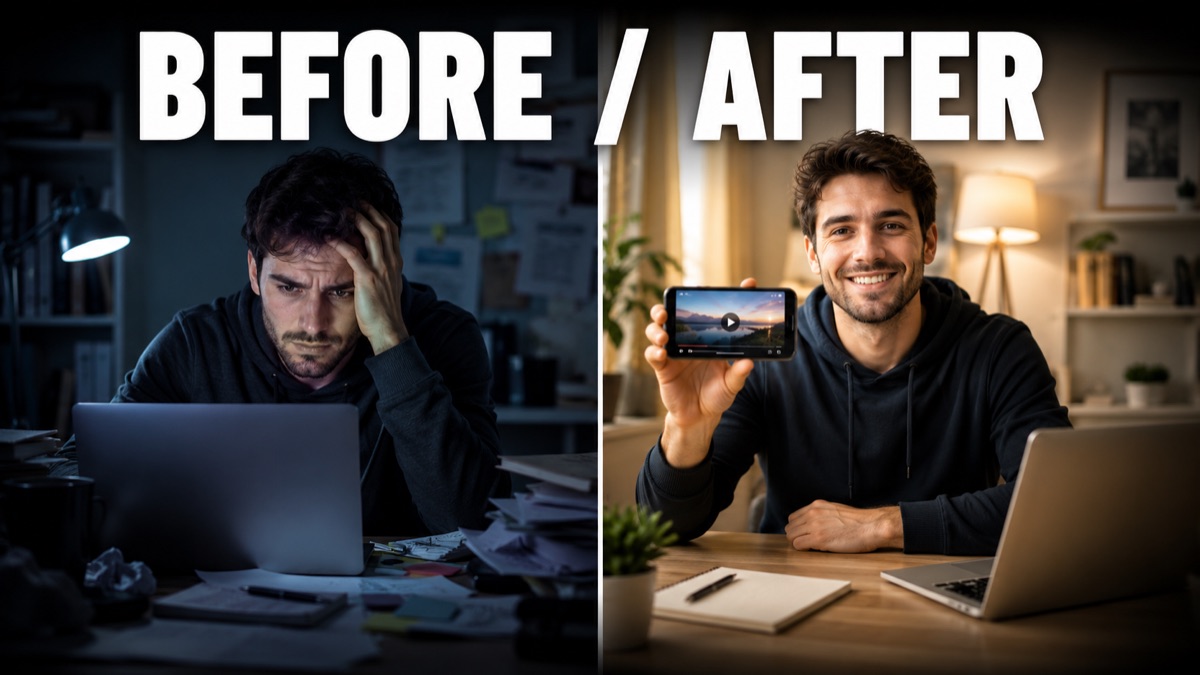
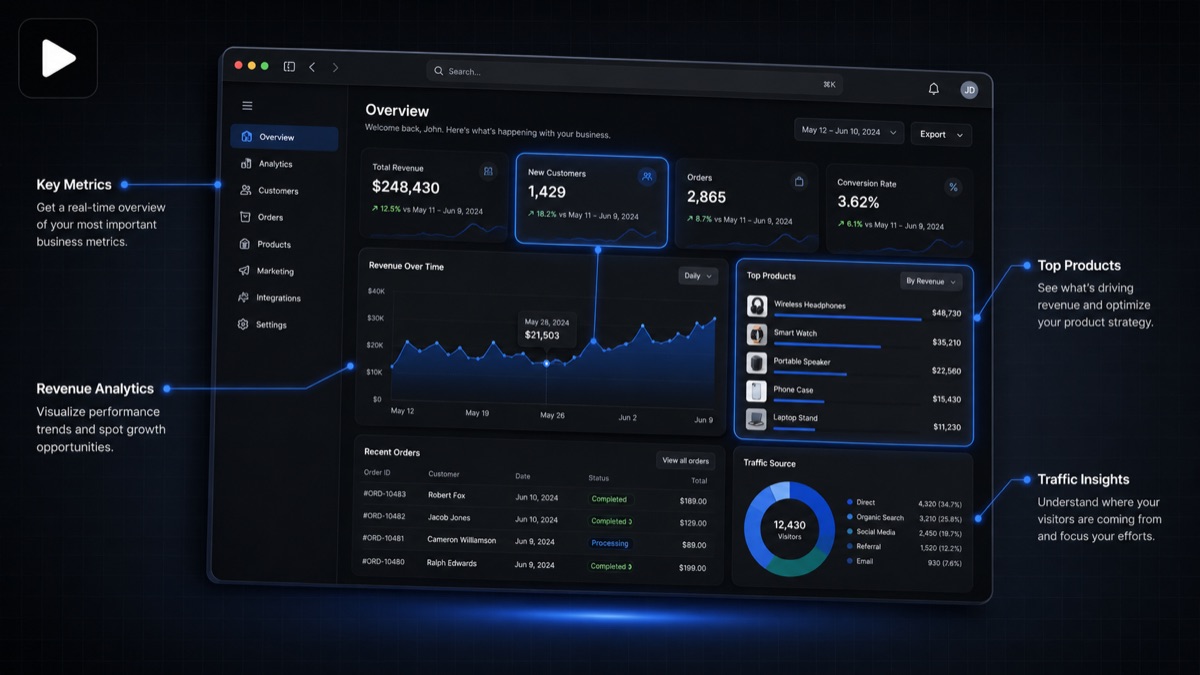
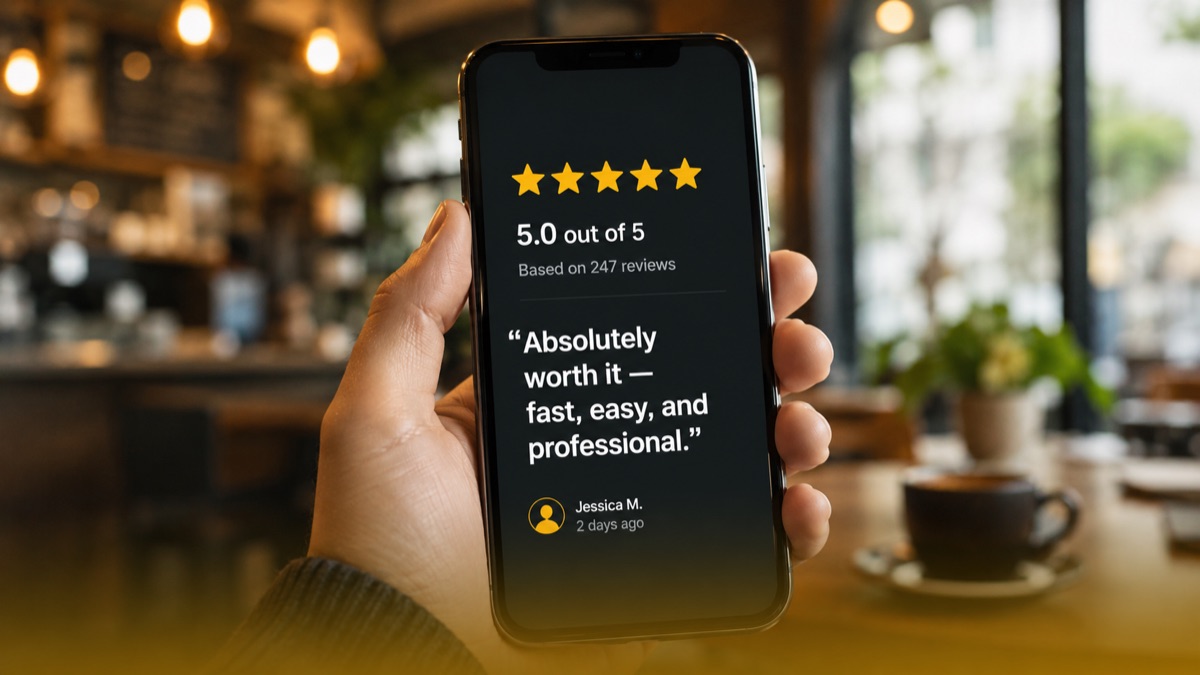
A few frames from videos generated with LaunchReel.
Frequently asked questions
Can I upload my own footage to edit?
Yes. The editor works on uploaded clips as well as videos generated in LaunchReel.
Does it really run in the browser?
Yes — trimming, captioning, audio mixing and the final export all run client-side. A modern desktop browser is recommended for longer edits.
How accurate are the auto-captions?
Transcription is generally accurate for clear speech and every word is editable, so you can fix names and terms quickly.
Can I change caption fonts and position?
Yes, caption styling and placement are adjustable, with defaults tuned for muted mobile viewing.
Is the editor free to use?
Your first exported video is free with no credit card. Continued use runs on credits or a subscription.
Make your first video free
No credit card. See the output on your own product, then decide.
Get started