Turn an Image Into a Video With AI
Give LaunchReel a product photo and a line about what should happen — a slow push-in, the product in use, a lifestyle scene — and it produces a moving short-form video around it, with captions, voiceover and music. Useful when you have great stills but no footage.
- First video free — no credit card
- 5 ad variations per run
- Captions, voiceover & music included
How it works
Describe your product
One or two sentences — what it is, who it is for, the main benefit.
Get five variations
The AI writes the hooks, generates footage, adds captions, voiceover and music.
Edit and export
Tune the cut in the browser editor, then export for TikTok, Reels and Shorts.
Why use LaunchReel for this
Start from a photo you already have
Product shots, packaging renders, UGC stills — upload the image and describe the motion and scene you want built around it.
Camera movement, not a slideshow
Output has real motion — push-ins, pans, scene changes — rather than a static image with a Ken Burns zoom.
Finished as an ad, not just a clip
The animated result comes back with a hook caption, voiceover and music, ready to post.
Multiple takes per image
One image produces several variations so you can pick the motion and pacing that sells the product best.
Example output
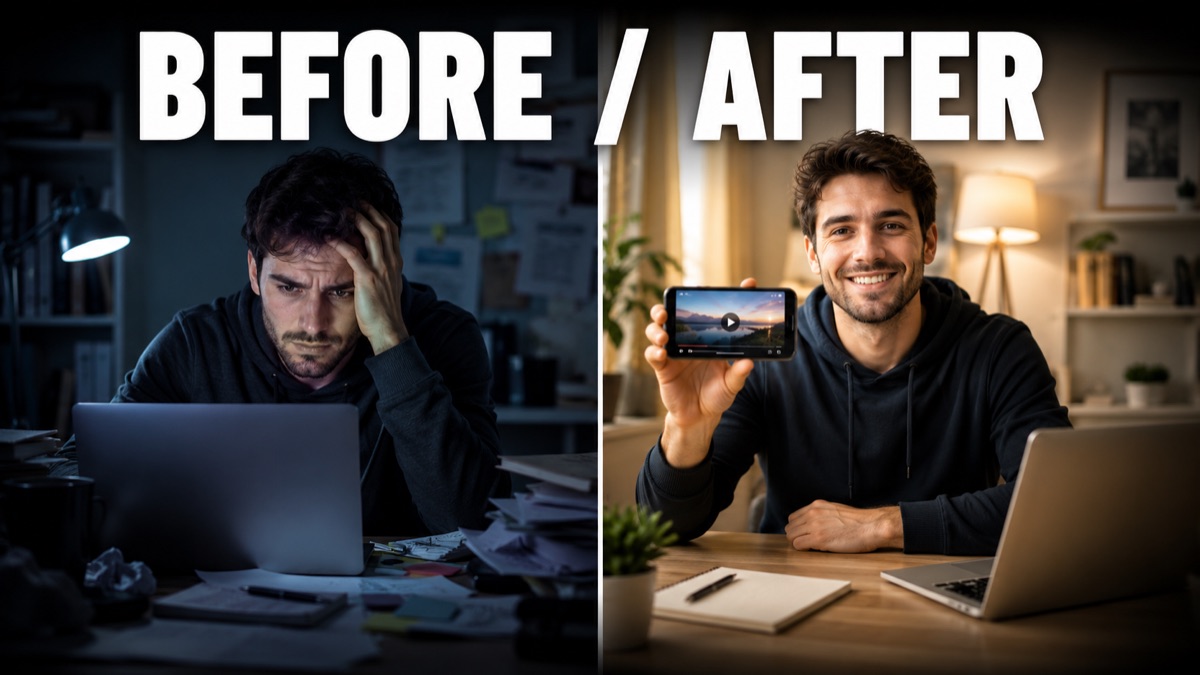
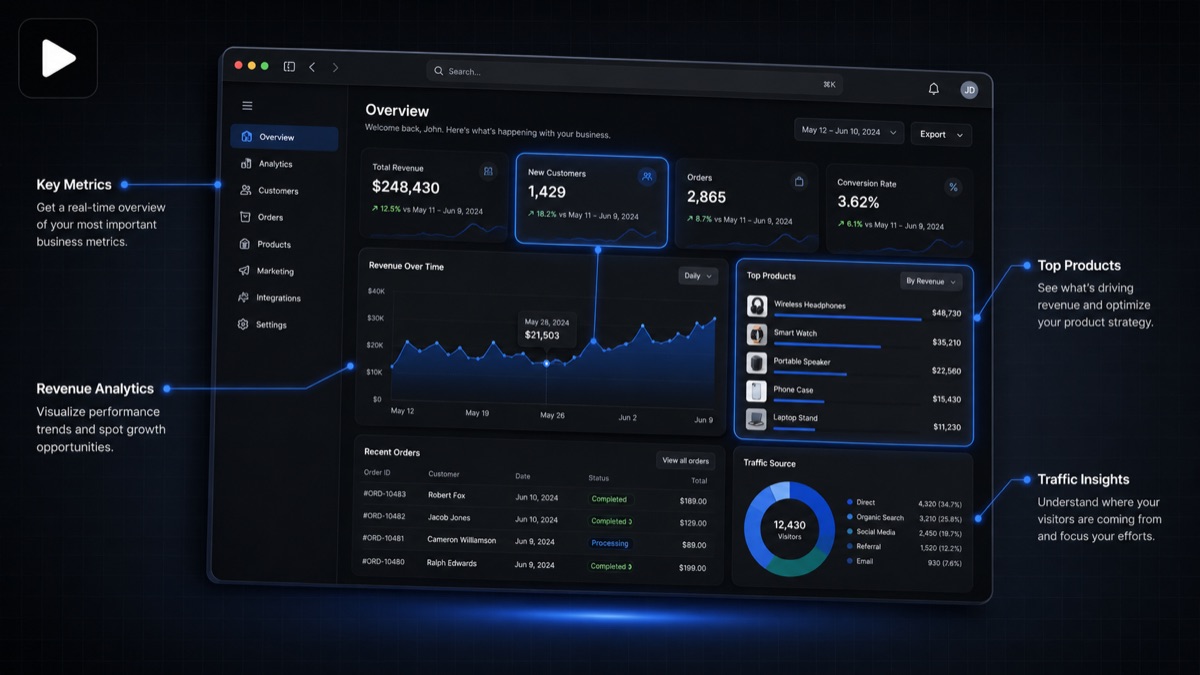
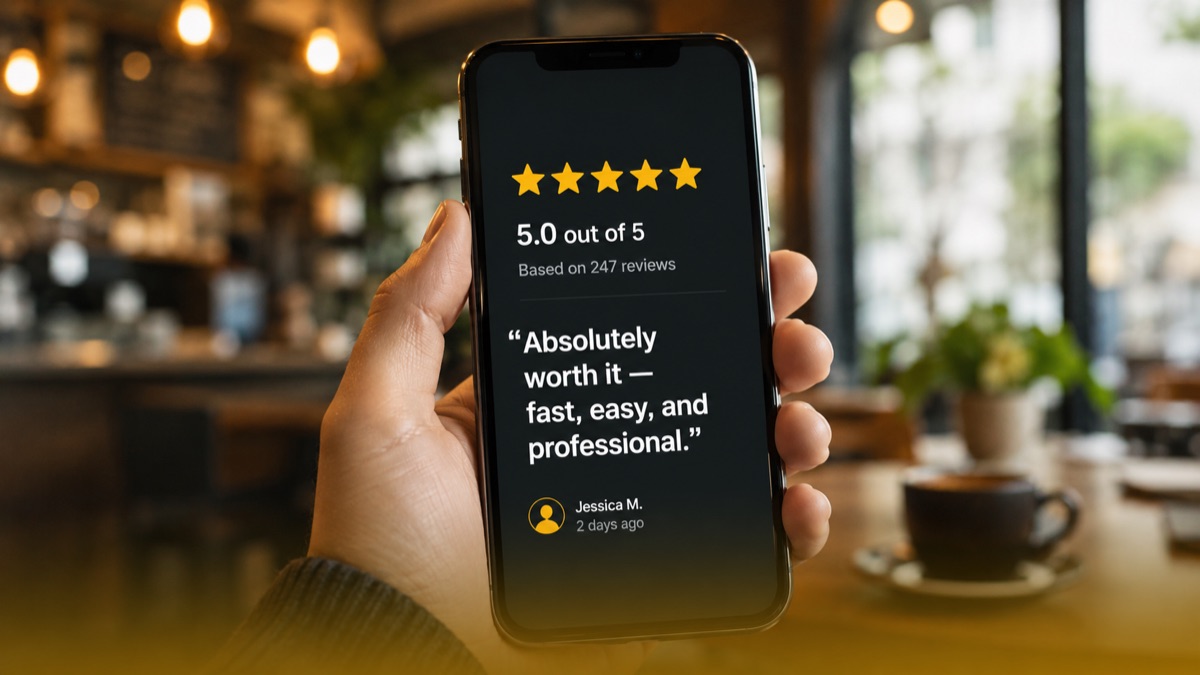
A few frames from videos generated with LaunchReel.
Frequently asked questions
What image formats can I upload?
Standard web image formats (JPG, PNG). A clear, high-resolution product shot gives the best result.
Will the product still look like my product?
The generator builds motion and scenes around your uploaded image. For tight brand-accuracy needs, review each variation and pick the closest, or refine the prompt.
Can I add my own captions and voiceover?
Yes. The editor lets you rewrite the hook, edit captions word-by-word and replace or remove the voiceover.
Is the first image-to-video free?
Yes — your first generation is free with no credit card, and it runs online in the browser with nothing to install.
What aspect ratio is the output?
9:16 vertical by default, with 1:1 and 16:9 available for feed and YouTube.
Make your first video free
No credit card. See the output on your own product, then decide.
Get started