Auto Subtitle Generator
LaunchReel is a free auto subtitle generator that runs in your browser. Upload a video (or make one in LaunchReel), pick the spoken language or let it auto-detect, and it transcribes the speech into word-timed captions. Fix any word, choose a caption style, and export an MP4 with the subtitles burned in. Your first exported video is free, with no credit card.
- First video free — no credit card
- Vertical 9:16 ads for TikTok, Reels & Shorts
- Editor for captions, voiceover & music
How it works
Describe your product
One or two sentences — what it is, who it is for, the main benefit.
Get your video
The AI generates a clip of about 10 seconds with sound from your description.
Edit and export
Add captions, a voiceover or music in the browser editor, then export for TikTok, Reels and Shorts.
Why use LaunchReel for this
Captions timed word by word
Speech is transcribed with a timestamp for every word, so captions change exactly when the words are spoken instead of in long blocks.
12 languages, or auto-detect
English, Portuguese (Brazil), Spanish, French, German, Italian, Hindi, Indonesian, Turkish, Arabic, Japanese and Korean. Captions are written in the language that is spoken; there is no translation.
Five caption styles
Plain, Karaoke, Word Pop, Progressive and Pill. Set the size, highlight colour, drop shadow, upper case and one or two lines, so captions read on muted autoplay.
Edit any word before you export
Transcription is never perfect. Click a caption to fix a word or a brand name, then export a vertical MP4 with the subtitles burned in, ready for TikTok, Reels and Shorts.
Example output
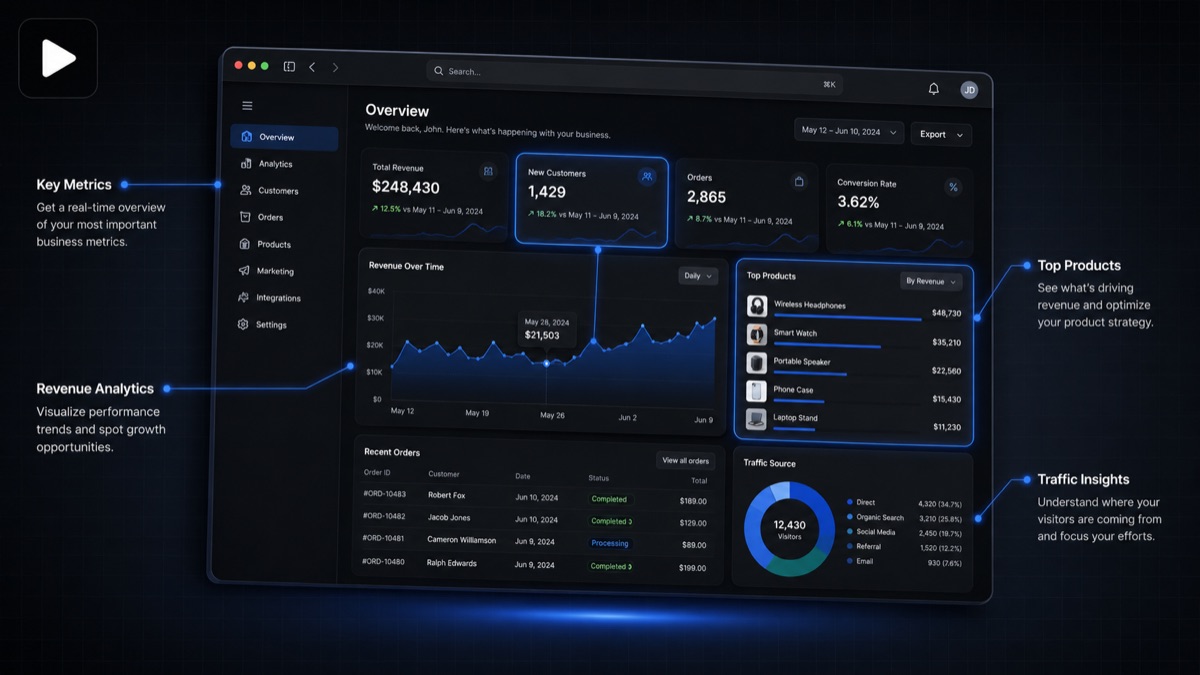
A few frames from videos generated with LaunchReel.
Frequently asked questions
Is the auto subtitle generator free?
Your first exported video is free with no credit card, subtitles included. After that, exports run on credits or a plan.
Which languages can it subtitle?
Twelve: English, Portuguese (Brazil), Spanish, French, German, Italian, Hindi, Indonesian, Turkish, Arabic, Japanese and Korean. You can also let it auto-detect the language. It writes captions in the language that is spoken; it does not translate.
Can I use my own video?
Yes. Upload your own clips to the editor, or add subtitles to a video you generated in LaunchReel.
Can I correct mistakes in the captions?
Yes. Every caption is editable word by word before export, so you can fix names, product terms and anything the transcription misheard.
Are the subtitles burned into the video?
Yes. The export is an MP4 with the captions rendered into the picture, which is what TikTok, Reels and Shorts viewers see on muted autoplay.
Do I need to install anything?
No. Upload, transcription, editing and export all happen from the browser. A modern desktop browser is recommended for longer videos.
Make your first video free
No credit card. See the output on your own product, then decide.
Get started